
Host Login
Log in to the system using the CLI.
After installing the system and the CLI, log in to the host first.
Host Login Command
In Throughwalls, everything is managed by the host. It creates snapshots, switches the Workspace between them, and so on. The CLI sends requests primarily to the host, so before you start working, you need to log in to it. Do it like this:
throughwalls host login --ip <host-ip>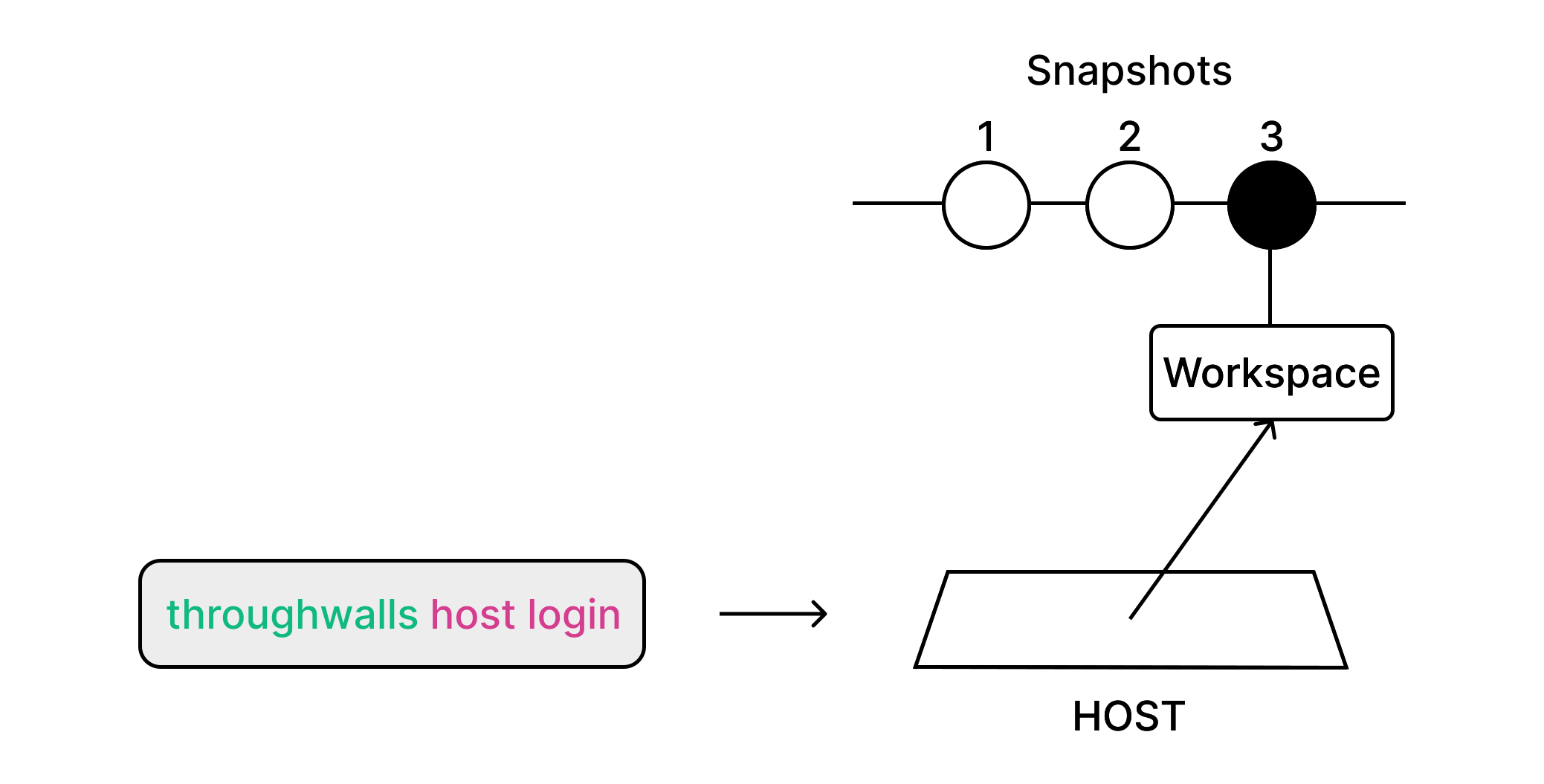
Replace <host-ip> with the host IP address you entered in Network Settings during installation. After that, you will see a password prompt. Enter it. After login succeeds, you can start managing Throughwalls with the CLI.
Bot Protection
The host has brute-force protection for password login. Several failed attempts in a row may temporarily block new login attempts. Be careful when entering the password.
Changing Host Password
You can change the host password with the following command:
throughwalls host password set <new-password>